
 AutoLookupVersion 1.9.2
US people lookup and DNC compliance
that never leaves your page.
AutoLookup is a Chrome extension for US people lookup: enter a phone number and read the DNC, litigator and blacklist status plus the name, age and addresses behind it, without leaving the page you are already working on.
Chrome 116+, Edge, Brave and Opera — Windows, macOS and Linux
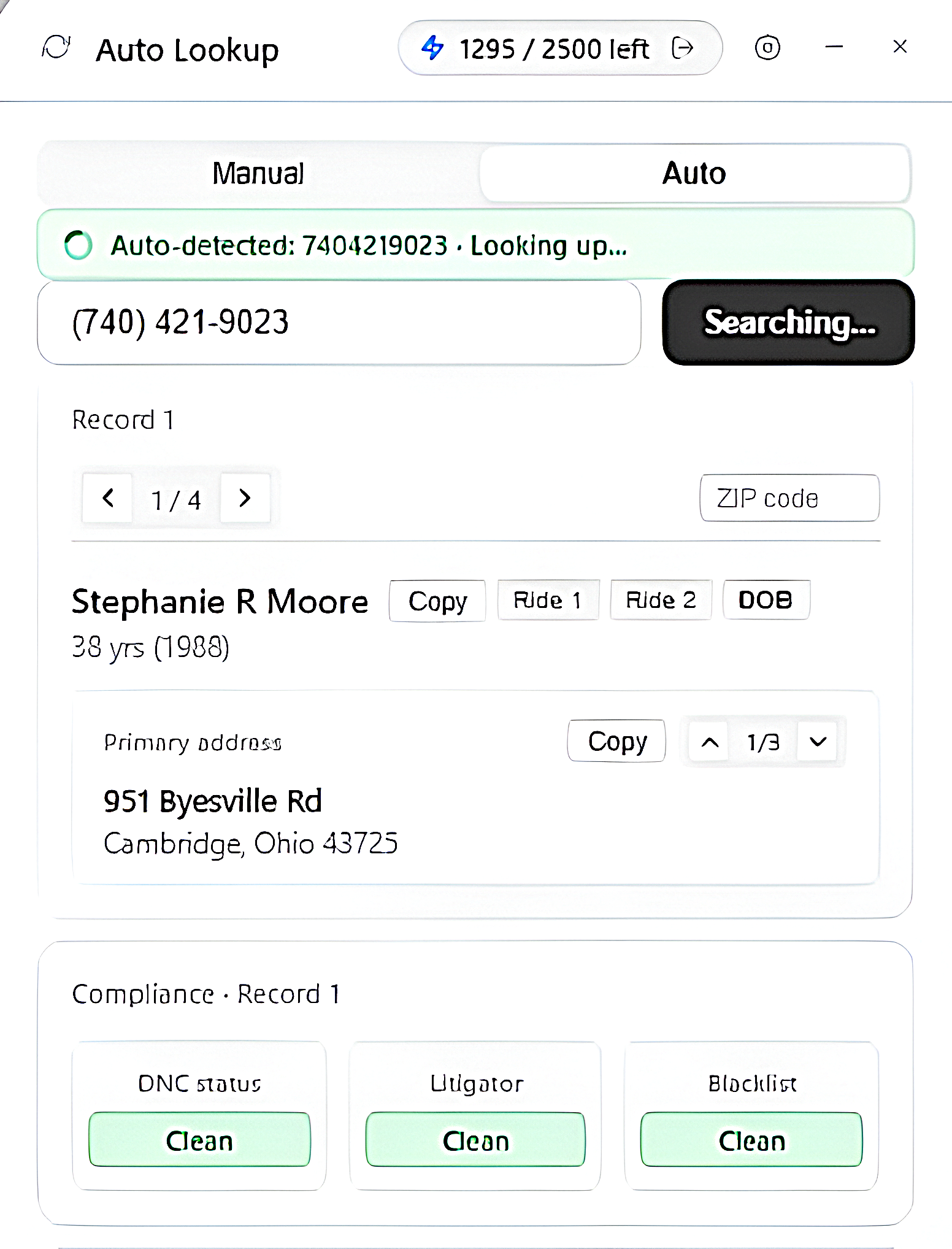
Look inside
Everything a decision needs, on one card
These are the real screens, not mock-ups. Each record keeps its own card, so the two sources can be compared and either one can be switched off.
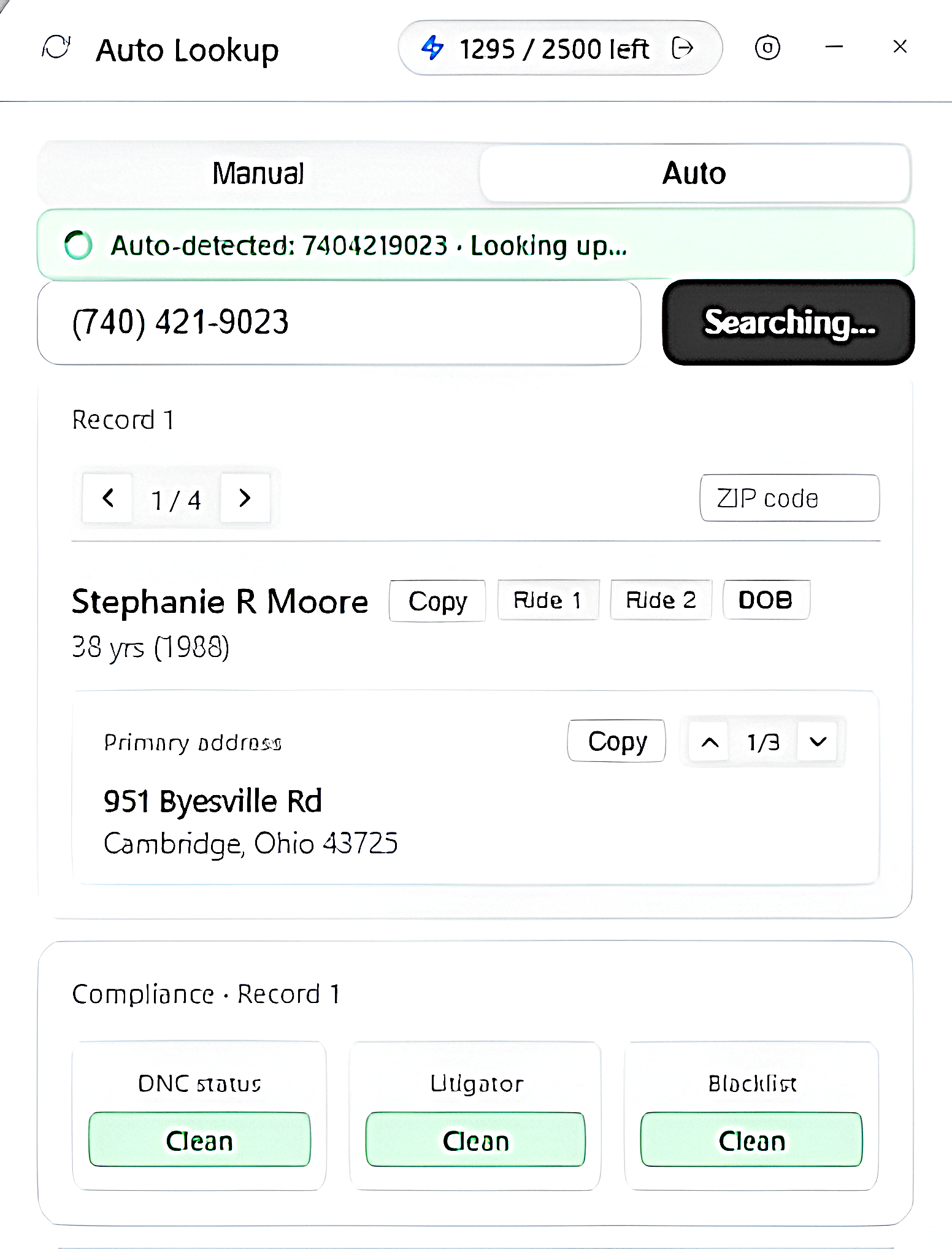
The record
Compliance beside the person
Do-Not-Call, litigator and blacklist status arrive as colour-coded badges, next to the name, age and first known address.
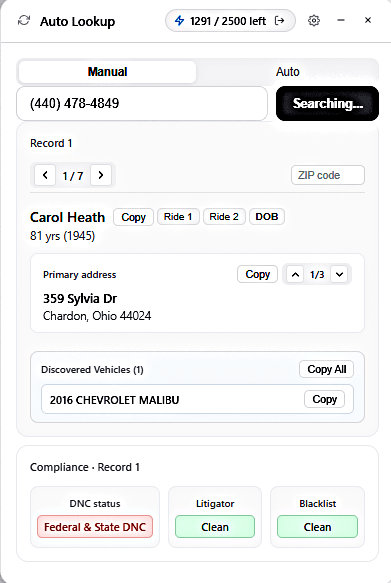
Vehicles
What the record drives
Vehicles found on the record are listed on the same card, with their own copy button, ready for a quote.
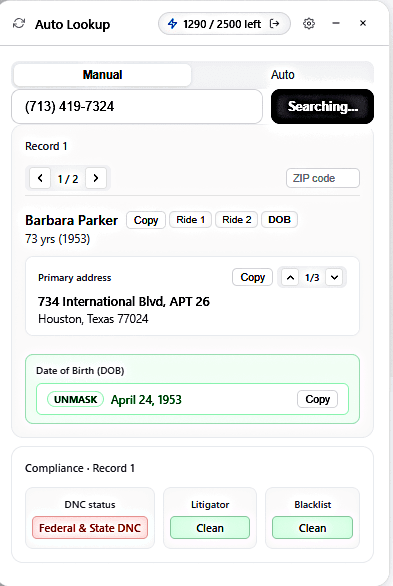
Date of birth
One press, and the date
The date-of-birth run works through public-record platforms and an AI answer beside them, and the result lands back on the card.
Why this extension
Built for the person who is already on the phone
Call centres, insurance agents and compliance reviewers lose their place every time a lookup opens a new tab. This keeps the lookup on the page that is already open — and keeps the raw sources in the background, where they belong.
Nothing waits for a cold start
Both record sources stay loaded in a hidden background worker, so a search begins the moment you press it instead of booting a site from scratch.
Two sources, never merged
Each source answers on its own card, even when the two agree. That is what makes the Settings switches honest: switch one off and its card simply never appears.
The answer arrives where you are
Results are drawn on the page you are already working on — your CRM, your dialer, a support ticket — so the number in front of you is judged without a new tab.
The follow-ups are on the same card
Date-of-birth discovery and the vehicle-quote runs start from the card that has the address on it, and the address travels with the request.
How it works
Three steps, and none of them is a new tab
- 01
Sign in once
An administrator issues the account and a lookup balance. The widget shows what is left and keeps it in step as you work.
- 02
Enter — or let it detect — the number
Type or paste it, or leave auto-detect on and it is read from the page in front of you. Only that number leaves the page.
- 03
Read, copy, act
Records stream in as each source answers. Copy the name or address in one click, filter by ZIP when a card lists several people, and start a follow-up run from the card.
On any page, not on every page
Click the extension icon and the widget is injected into that tab. Click again and it is gone — it is never added to sites you did not ask about. If a lookup ever feels stuck, the circular-arrow button at the left of the widget header restarts the whole extension and the widget comes straight back.
On every card
A record you can read at a glance
Everything a decision needs is on the card, and everything on the card can be copied without leaving it.
Identity
Full name, age and an initials avatar for the person behind the number.
Address
The full first address — street, city, state and ZIP — plus the address history the source returned, one slide at a time.
Contact details
Phone numbers and email addresses when the record carries them.
Compliance
Do-Not-Call, litigator and blacklist status as colour-coded badges, never as a paragraph.
Vehicles
Anything the record drives, listed with its own copy button.
Copy, in one click
The name, the address, or the whole card as plain text for a note or a ticket.
Settings & calibration
You decide what a lookup is allowed to run
The panel behind the gear icon is the same one in the widget, the popup and the detached window — flip a switch in any of them and the others follow. Everything is on by default.
Record 1 / Record 2
Which sources a lookup may use. A source that is off is never asked, so its card never appears.
DOB sources
Which platforms the date-of-birth run may touch, including the AI answer that runs beside them.
DNC status
Whether a record’s compliance card is drawn at all — the lookup itself is unaffected.
Install & requirements
Running in about a minute
The extension installs like any other Chrome extension and needs an account with lookups remaining. Chrome 116+, Edge, Brave and Opera — Windows, macOS and Linux.
- 01
Install it
Add the extension from the Chrome Web Store, then pin the icon to the toolbar so it is one click away.
- 02
Sign in
Open the popup and sign in with the credentials your administrator issued. Your remaining lookups appear in the header and stay in step with this portal.
- 03
Bring the widget up
On any page — your CRM, your dialer, a support ticket — click the icon and the widget is injected into that tab.
- 04
Search
Type the number and press Search. The first record appears as soon as a source answers; the second follows on its own card.
About the permission prompt
Installing asks for access to the pages you visit. That is what lets the same widget appear on whichever CRM or dialer your team uses, instead of being tied to one site. The extension does not change the page it runs on, does not read your browsing history, and does not record what you type outside the widget’s own fields. The data it does handle — the number you looked up and the account behind your login — is described in full in the privacy policy.
Add to ChromeLawful use first
Powerful data comes with rules — these are ours
Look-up tools are only legitimate when they are used for a lawful business purpose, by someone who is entitled to ask. That is a condition of using this service, not a footnote.
Use it for
- Verifying that the person who called you is who they say they are
- Checking Do-Not-Call and litigator status before a call you are permitted to make
- Preparing a quote or a claim the customer has asked you for
- Locating the address a record is tied to, so a form or a dispatch can be completed
Never use it for
- Any eligibility decision about credit, employment, tenancy, insurance or benefits — that is consumer-report territory, and this is not a consumer reporting agency
- Deciding whether to hire, rent to, lend to or insure somebody
- Harassment, stalking, debt collection that ignores the rules, or anything unlawful in your jurisdiction
- Bulk harvesting, reselling or redistributing the data, or automating lookups beyond the balance you were issued
Privacy at a glance
- The number you look up is the only record detail that leaves your browser, and it leaves in order to run the search you asked for.
- Your account holds a username, a hashed password, the plan it was issued under and the lookup balance — nothing else.
- No advertising, no third-party analytics and no data resale: this site sets no tracking cookies.
- The extension keeps no history of what you searched — results live in the page you are on until you close it.
The full detail — what is stored, for how long, who processes it and how to have it deleted — is in the privacy policy, with the binding rules of use in the terms & conditions.
Questions
The things people ask first
What kind of lookup is this — is it a US people lookup?
It is a US people lookup built for business use: a phone number is matched to the person, their age, their known addresses and their public email addresses across two independent record providers, together with that number’s DNC, litigator and blacklist status.
Do I need an account to use the extension?
Yes. An administrator creates the account and issues a lookup balance; the same credentials sign you in to the popup, the in-page widget and the detached window. Your remaining balance is shown in the widget header and kept in step with this portal.
What happens when my lookups run out?
The extension stops issuing new lookups and says so — “limit reached contact admin for more limit”. Your administrator can add credits from the admin panel, and the balance updates in the widget the next time it syncs.
Is the widget added to every website I visit?
No. It is injected into a tab only when you click the extension icon on that tab, and clicking again hides it. It is deliberately not part of every page you open.
Which browsers are supported?
Chrome 116 and newer, and the Chromium browsers that install from the Chrome Web Store — Edge, Brave and Opera — on Windows, macOS and Linux.
Can it read the rest of my page, or write to it?
It reads the phone number on the page when auto-detect is switched on, and nothing else; it never writes to the page, never reads your browsing history and never captures keystrokes outside its own fields.
Where do the records come from?
From two independent record providers queried in parallel. The product refers to them as Record 1 and Record 2 rather than by name, and either one can be switched off in Settings so a lookup only uses what you want it to.
Why do I sometimes see two cards for the same person?
Because each provider answers on its own card, even when the two agree. That is what makes the source switches meaningful, and it lets you compare the two answers instead of trusting one merged row.
What if a lookup gets stuck?
Press the circular-arrow button at the left of the widget header: it restarts the whole extension — background workers and interface together — and the widget comes straight back, ready to search.
Ready when your next call comes in
Install the extension, sign in with the account your administrator issued, and the compliance check travels with you to whatever page you work on.
Need an account or more lookups? Write to umairzakria6@gmail.com